
Shopify email templates
Your storefront, in every inbox.
Newsletter and email templates for Shopify, filled with your real products.
Free plan available · English and French
How it works
Pick a template. Pick your products. Paste. Send.
- 01
Pick a template
Start from a ready-made Shopletter: promo, launch, newsletter or welcome.
- 02
Fill it with your products and brand
Titles, prices, images and links fill in. Your logo, colours and fonts apply.
- 03
Copy the code into Shopify Messaging
Five automatic checks, then paste. Shopify sends it.
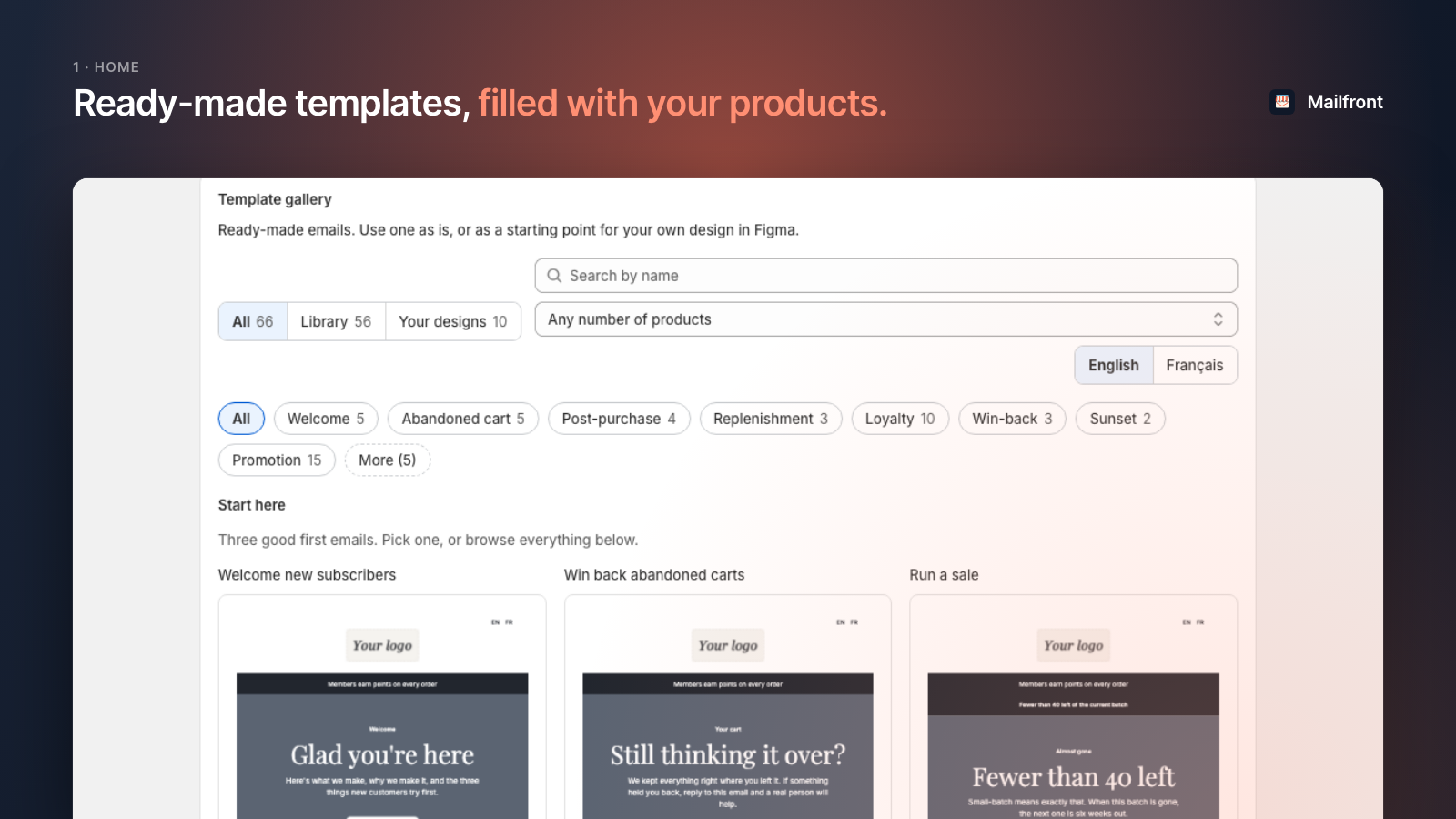
The Shopletters gallery
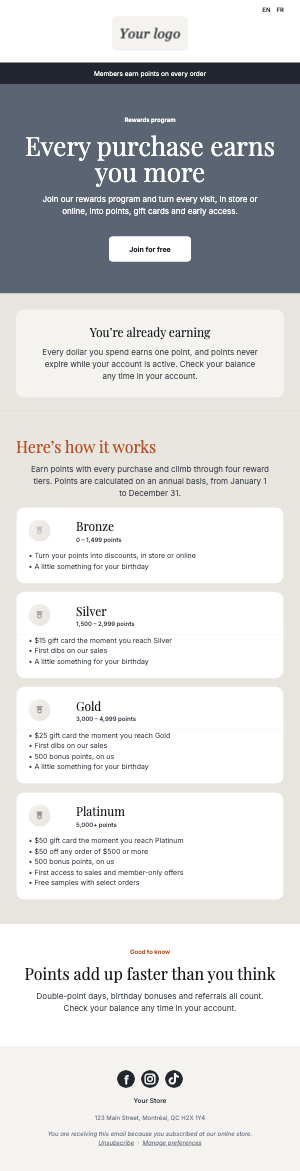
Ready-made Shopify newsletter and email templates for every moment of your calendar. In English and French.
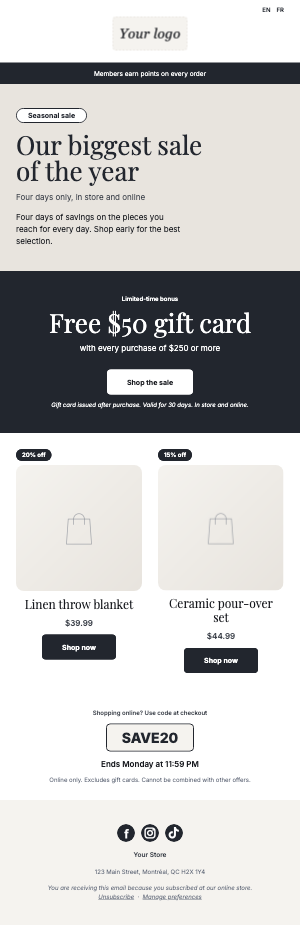
Seasonal sale
Promo
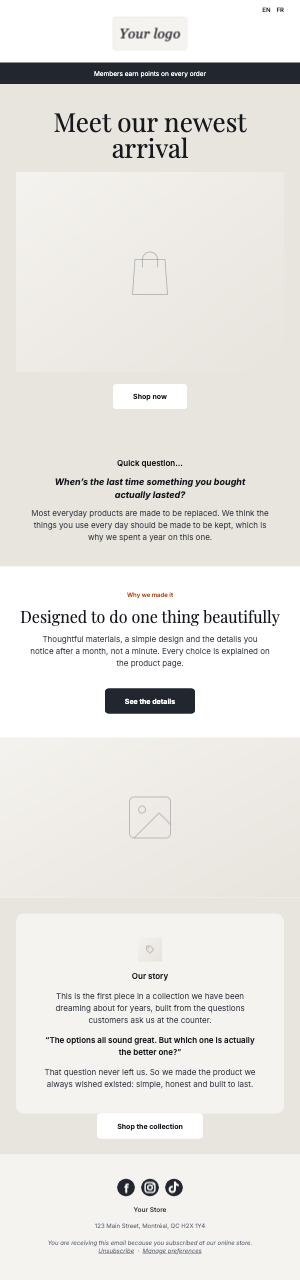
Product launch
Launch
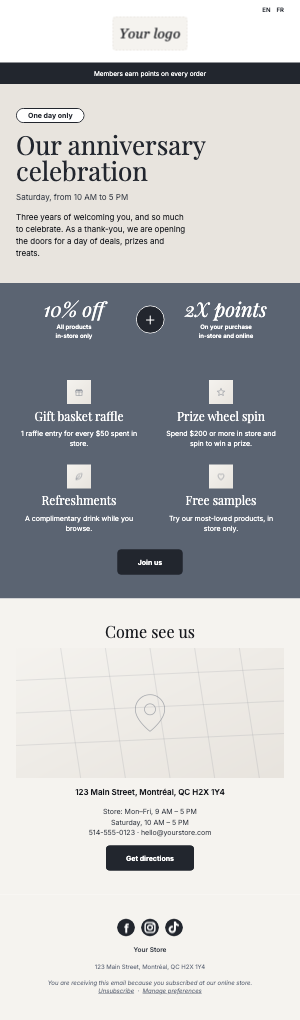
In-store event
Event
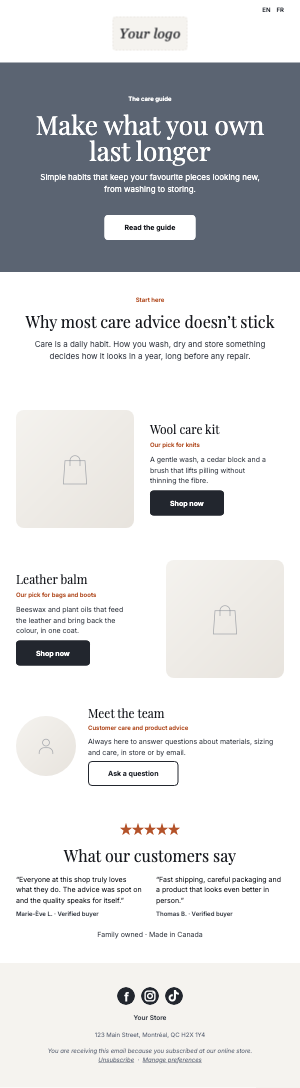
How-to and education
Newsletter
Welcome series
Welcome
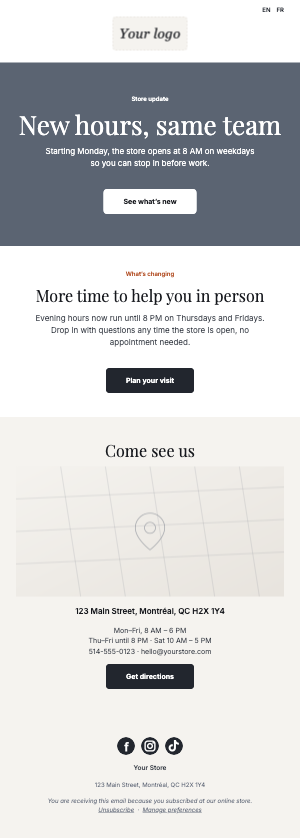
Announcement
Newsletter
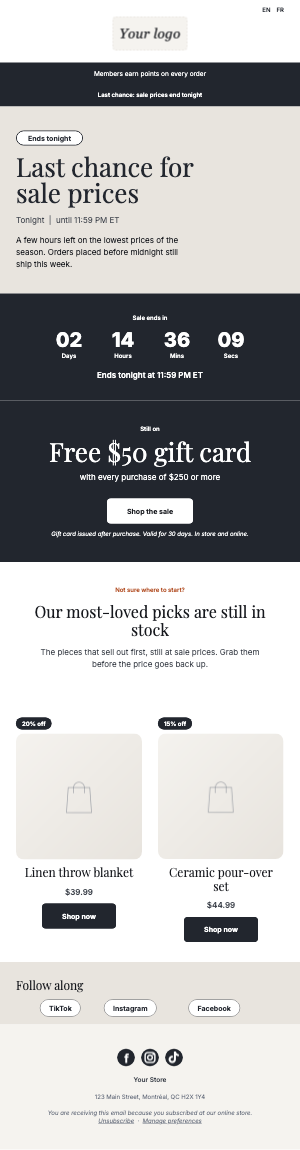
Countdown
Promo
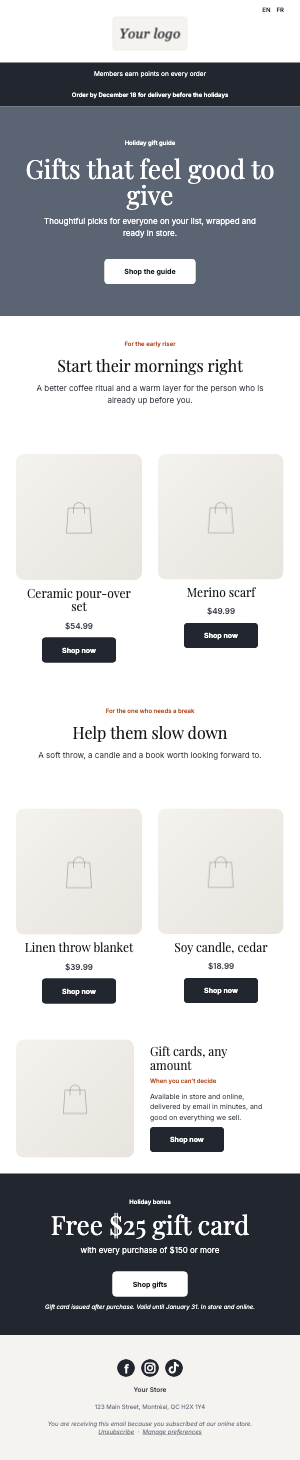
Holiday gift guide
Promo
Your brand, automatically
Mailfront reads your logo, colours, fonts and social links from your storefront and applies them to every template. You can edit them, or switch back to the original palette in one click.
- Logo, colours and fonts from your storefront
- Social links in every footer
- Editable brand kit
- One-click original palette
Real products, live prices
Pick products or a whole collection, and variants. Titles, prices, images and links fill in. Live mode keeps prices current at send time.
Choose products
Live pricesProduct name
Slot 1
$48.00
Another product
Slot 2
$32.00
Third product
Slot 3
$65.00
Or use a whole collection
Cut the extra email bill
Replace a separate email platform with Shopify's built-in sending. Mailfront prepares the email; Shopify Messaging sends it.
| — | Separate email platform | Shopify Messaging + Mailfront |
|---|---|---|
| Monthly cost | Usually grows with your list size | First 10,000 emails each month free, then US$1 per 1,000. Mailfront from US$0. |
| Abandoned checkout | Counts toward your plan | Free in Shopify Messaging |
| Customers | Copied into another tool and kept in sync | Already in Shopify |
| Design | The platform's blocks | Your brand, or your own Figma design |
Compare with your own list size and current bill before switching. Shopify Messaging pricing on Shopify's help center
For designers and agencies
Bring your Figma designs. Build them with Claude.
Tag a Figma email design, auto-detect product cards, check links, fix issues and send it to the store with the Mailfront plugin for Figma Design. Claude can build the whole email library in Figma first.
Simple pricing
Billed through Shopify. 14-day free trial on paid plans. Cancel any time.
Free
Try the Shopletters gallery.
US$0/month
- Shopletters gallery
- 3 new emails per month
- Live product data
- Get code
Pro
For a store designing its own emails.
US$19/month
- Everything in Free
- Unlimited emails
- Mailfront plugin for Figma Design
- AI fixes in the plugin
Agency
For agencies serving several stores.
US$49/month
- Everything in Pro
- One plugin paired to several stores
- Priority support
Questions, answered
What is Mailfront?
Mailfront is the email template app for Shopify. Pick a ready-made template, fill it with products from your catalogue, and copy the code into Shopify Messaging. Your logo, colours and fonts apply automatically.
Do I need Figma?
No. The Shopletters gallery works on its own. Figma is optional, for designers who want their own layouts.
Does Mailfront send my emails?
No. Shopify Messaging sends them. Mailfront prepares the email.
How much does it cost?
Mailfront is free to start; Pro is US$19 per month and Agency US$49. Shopify Messaging's first 10,000 emails each month are free, then US$1 per 1,000.
Does it work in French?
Yes: the templates, the app and the guides are available in English and French.
Will my brand colours and logo be applied?
Yes. They're read from your storefront and you can edit them.
Can I use it for welcome series and automations?
Yes. Use "Code your own" in Shopify Messaging and paste the Mailfront code in each email.
What happens to my customers' data?
Mailfront doesn't read your customers' personal data. The Figma plugin only sends the selected email design to your own Mailfront app. Built on AWS in Canada.
Can an agency use it for several stores?
Yes. The Agency plan pairs one plugin to several stores and adds priority support.
How do I get started?
Install Mailfront from the Shopify App Store and pick a template.
Ready to send something beautiful?
Install Mailfront, pick a template, and paste it into Shopify Messaging today.
Add to Shopify